
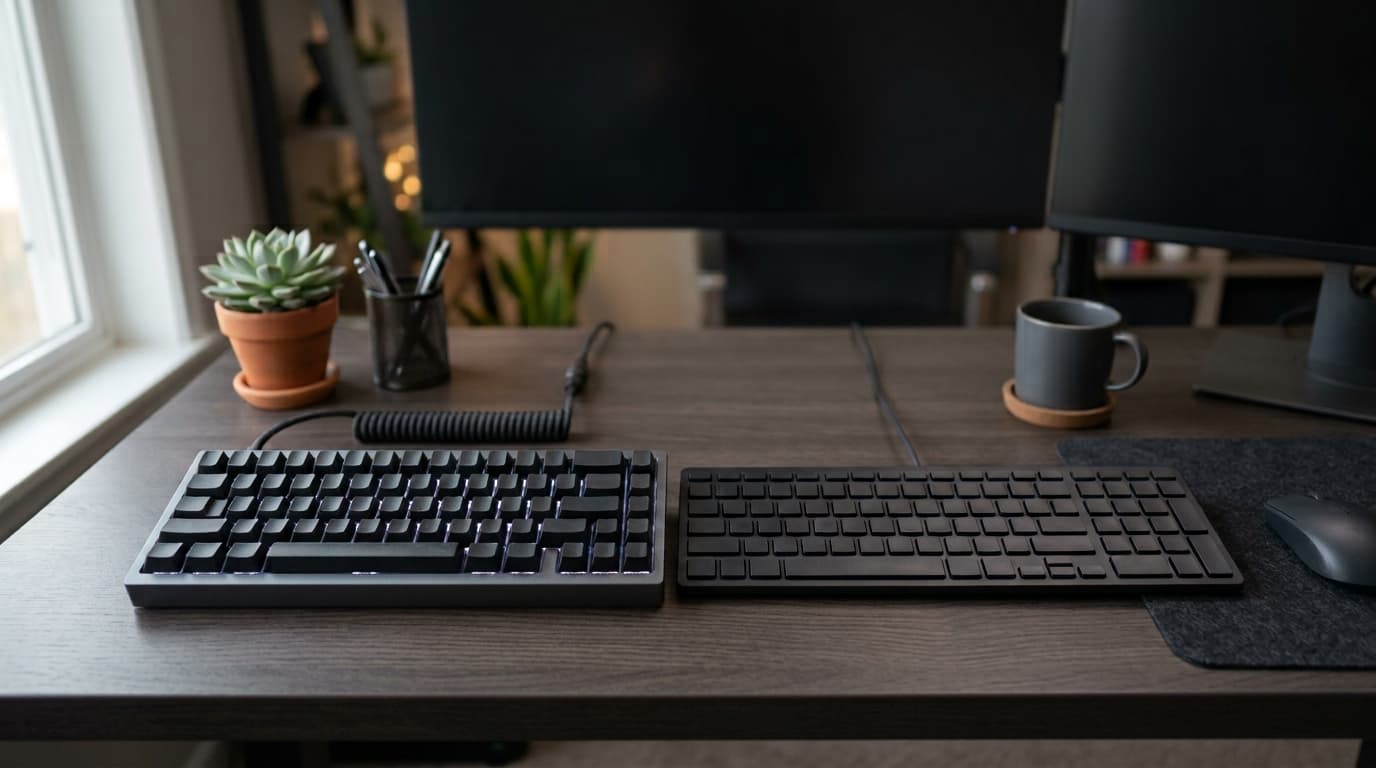
Keyboards are the part of a setup you touch most and think about least. The choice comes down to how the keys register a press, and how much desk space you want back.
Membrane
A membrane keyboard presses a rubber dome onto a contact sheet. They are quieter, lighter and cheaper, and for typing in a shared room that is a genuine advantage. The trade-off is a softer feel and a shorter service life under heavy use.
Mechanical
Each key has its own switch. They cost more and are usually louder, but they last far longer, can be repaired a key at a time, and give a consistent feel across the board. Switch type is the part worth understanding:
- Linear: smooth all the way down, popular for gaming
- Tactile: a noticeable bump when the key registers, which many typists prefer
- Clicky: a tactile bump plus an audible click — satisfying, and not for an open office
Size and layout
- Full size: includes the number pad, best if you work with figures
- Tenkeyless: drops the number pad and frees real desk space for mouse movement
- Compact: smallest footprint, at the cost of dedicated arrow and function keys
What actually matters in use
Keycap material affects how the surface wears and how the legends age. Wired connections avoid batteries entirely; wireless keeps the desk clear. Neither is better in the abstract — it depends on whether you move the keyboard.
If you are replacing a keyboard you have used for years, the honest advice is to try a switch type before committing to a full set of them.
Keyboards in stock at Coreflux
- Mechanical, compact, wireless: CORSAIR K65 PLUS 75% RGB Wireless
- Ergonomic for long typing: Logitech Wave Keys
- For Mac, with numeric keypad: Apple Magic Keyboard
Browse all keyboards, or pair one with a mouse.
Frequently asked questions
Is a mechanical keyboard better for gaming?
Usually, yes. Mechanical switches register faster and feel consistent, and compact layouts such as 75% leave more room for the mouse.
Which keyboard is best for typing all day?
An ergonomic design with a palm rest, such as the Logitech Wave Keys, reduces wrist strain over long working days.